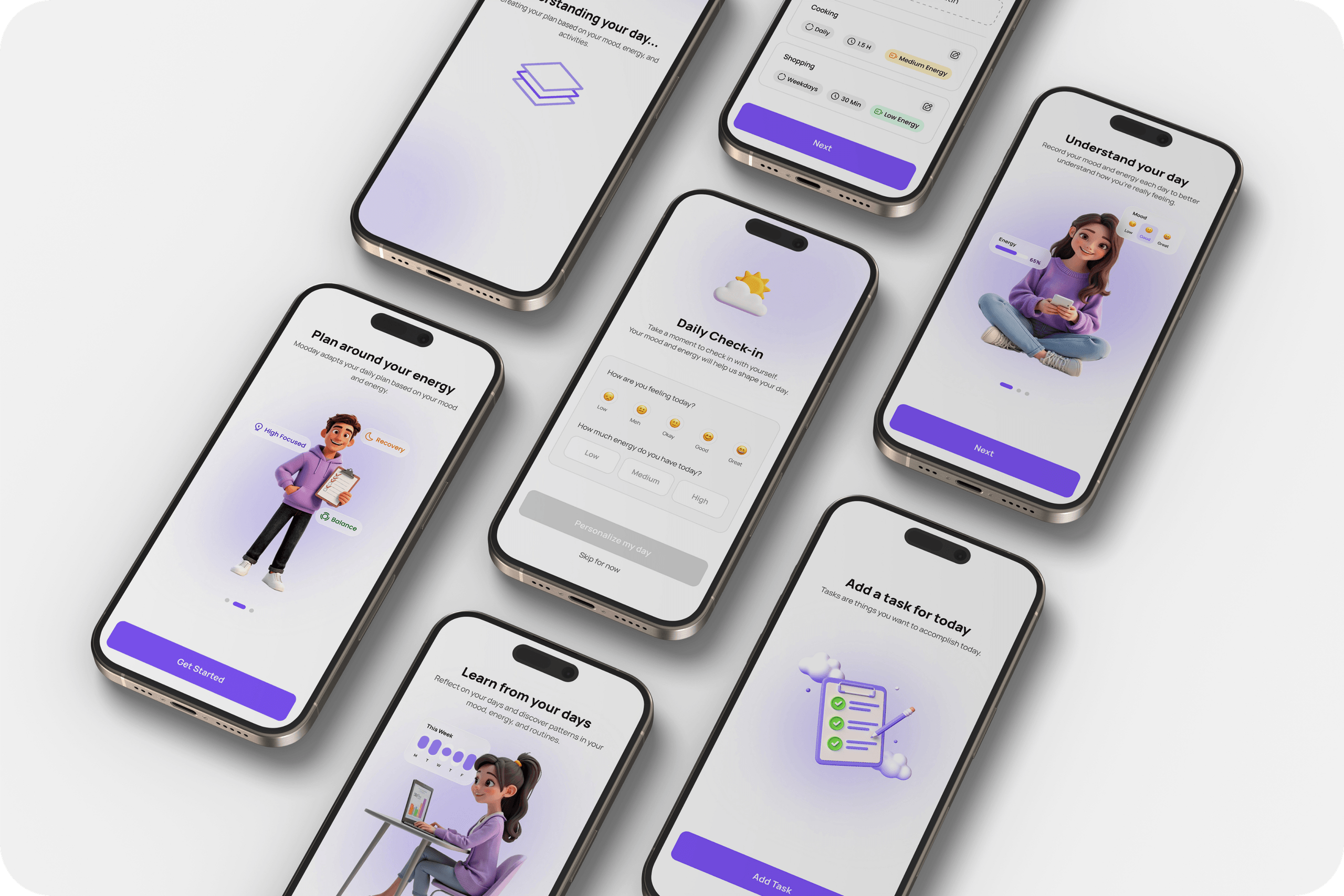
Mooday
Designing Adaptive Daily Planning Based on Energy & Mood
Product design case study exploring how planning can become more human-centered by adapting to energy, mood, and real-life dynamics. Focused on reducing pressure, making invisible work visible, and enabling flexible daily structures.
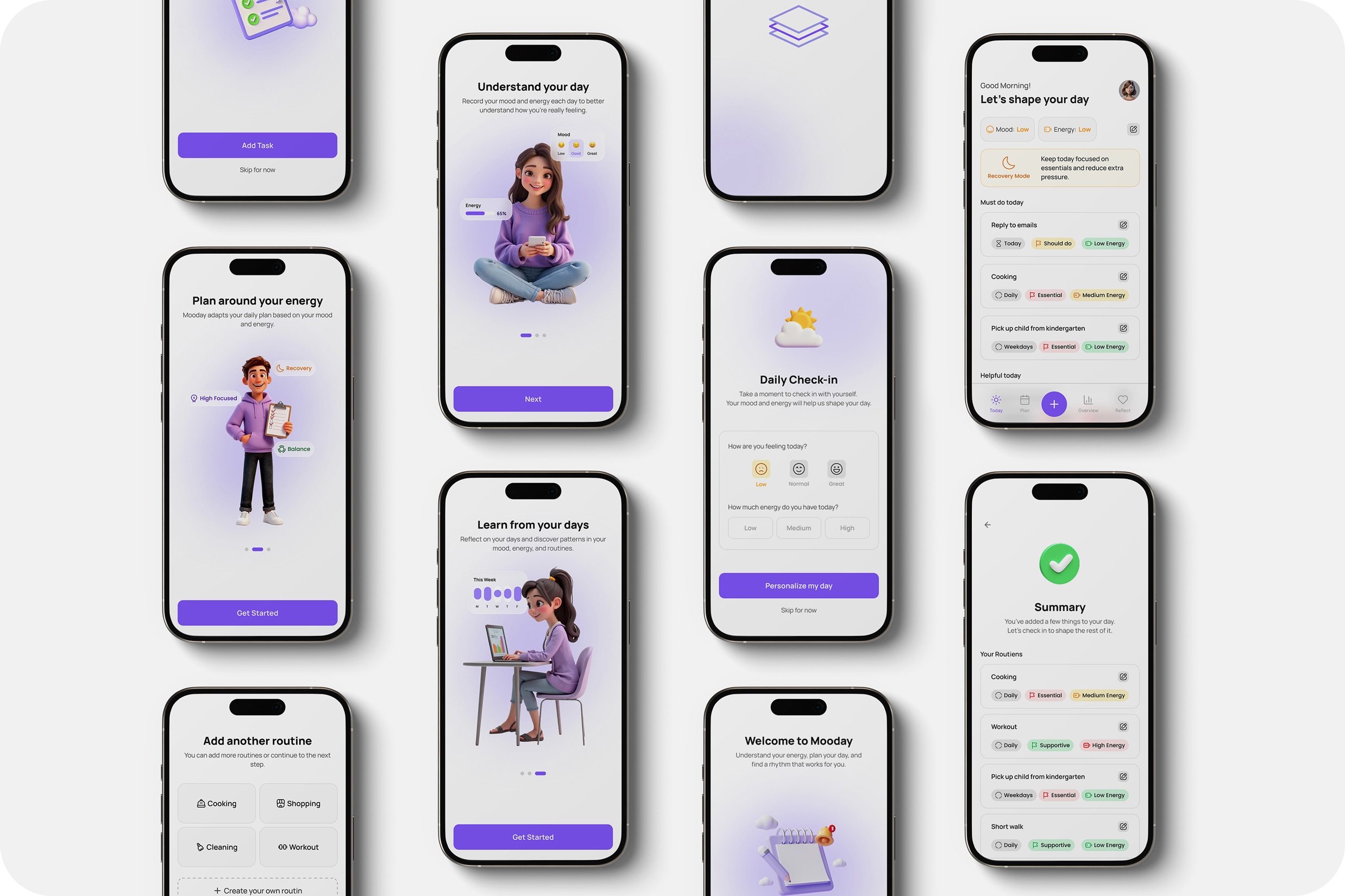
Overview
Introduction
Mooday is a concept for a human-centered planning tool that adapts to users' energy, mood, and daily context. The project was developed over 4 months at Digitale Leute School, focusing on rethinking how daily planning can better reflect real-life dynamics instead of static task lists.
Methods
- User Interviews
- Survey (quantitative insights)
- Persona & Journey Mapping
- Insight Clustering
- Hypothesis Definition
- Iteration & Flow Redesign
- UI Design & Prototyping
Summary
Why do we plan more than we can actually do?
Many people plan their days with good intentions, yet still end up overloading themselves. To understand why this happens, I started by questioning how people estimate their time, energy, and daily capacity.

Invisible work is underestimated
Routines and everyday tasks take more time & energy than expected.
Planning focuses on visible tasks
Important to-dos are prioritized, while routine work is overlooked.
Capacity is misjudged
Time, energy, and actual daily limits are not estimated realistically.
Mismatch creates frustration
Plans don't reflect reality -> leading to stress and a false sense of low productivity.
Early signals from existing conversations
Before conducting interviews, I analyzed online discussions around daily planning, mental load, and productivity. This helped identify recurring patterns in how people perceive their time, energy, and invisible work.

“I'm busy all day, but by the end it feels like I haven't accomplished anything. My to-do list is still almost full, even though I didn't take a break.”

“Many of my tasks don't even appear on my to-do list—planning, organizing, thinking about everything. It takes a lot of energy, but no one really sees it.”

“I often think a task will take just a short time, but then I realize it's made up of many small steps. In the end, everything takes much longer than planned.”
What I learned from talking to users
While my initial assumptions around invisible work and misestimation were confirmed, the interviews revealed a deeper issue: planning doesn’t account for how people actually feel and function throughout the day.

“To-do lists calm me down... they help me clear my mind.”
Planning is used for control, not for realistic decisions
People don’t plan to reflect their actual capacity. They plan to feel organized and avoid forgetting things.
Planning is more about reducing anxiety than managing time.
From individual stories to shared patterns
While individual interviews revealed valuable insights, the real understanding came from looking across them. By clustering recurring behaviors and perceptions, clear patterns started to emerge — showing the problem is not isolated, but systemic.
I use to-do lists mainly to make sure I don’t forget anything.
Writing everything down gives me a sense of control.
If it’s not written down, I feel like I might lose track of it.
Housework is just part of my day. I don’t really plan it.
I do a lot of small things that never make it onto my list.
I’m busy all day, but many of those things are invisible.
What I think is a 30-minute task turns into hours.
I often underestimate how long things will take.
Complex tasks take much more energy than I expect.
I plan tasks as one block and forget all the steps in between.
I plan loosely because my day changes all the time.
To stay flexible, I keep my plans open or optional.
I use to-do lists mainly to make sure I don’t forget anything.
Writing everything down gives me a sense of control.
If it’s not written down, I feel like I might lose track of it.
Housework is just part of my day. I don’t really plan it.
I do a lot of small things that never make it onto my list.
I’m busy all day, but many of those things are invisible.
What I think is a 30-minute task turns into hours.
I often underestimate how long things will take.
Complex tasks take much more energy than I expect.
I plan tasks as one block and forget all the steps in between.
I plan loosely because my day changes all the time.
To stay flexible, I keep my plans open or optional.
Not everyone struggles with planning in the same way
The research showed that the problem wasn’t just about planning itself, but about how different people approach it. To better understand these differences, I translated the insights into two distinct behavior patterns.
Laura
Plans loosely and constantly adapts to changing energy and daily demands.
- Struggles to keep track of everything
- Gets overwhelmed by too many tasks
- Often leaves tasks unfinished
- Flexible structure without pressure
- Better visibility of all tasks, including routines

Lisa
Carefully plans her day to maintain control and predictability.
- Overplans and underestimates real effort
- Feels stressed when plans don’t work out
- Measures productivity by completed tasks
- Clear structure without rigidity
- A more realistic view of her capacity

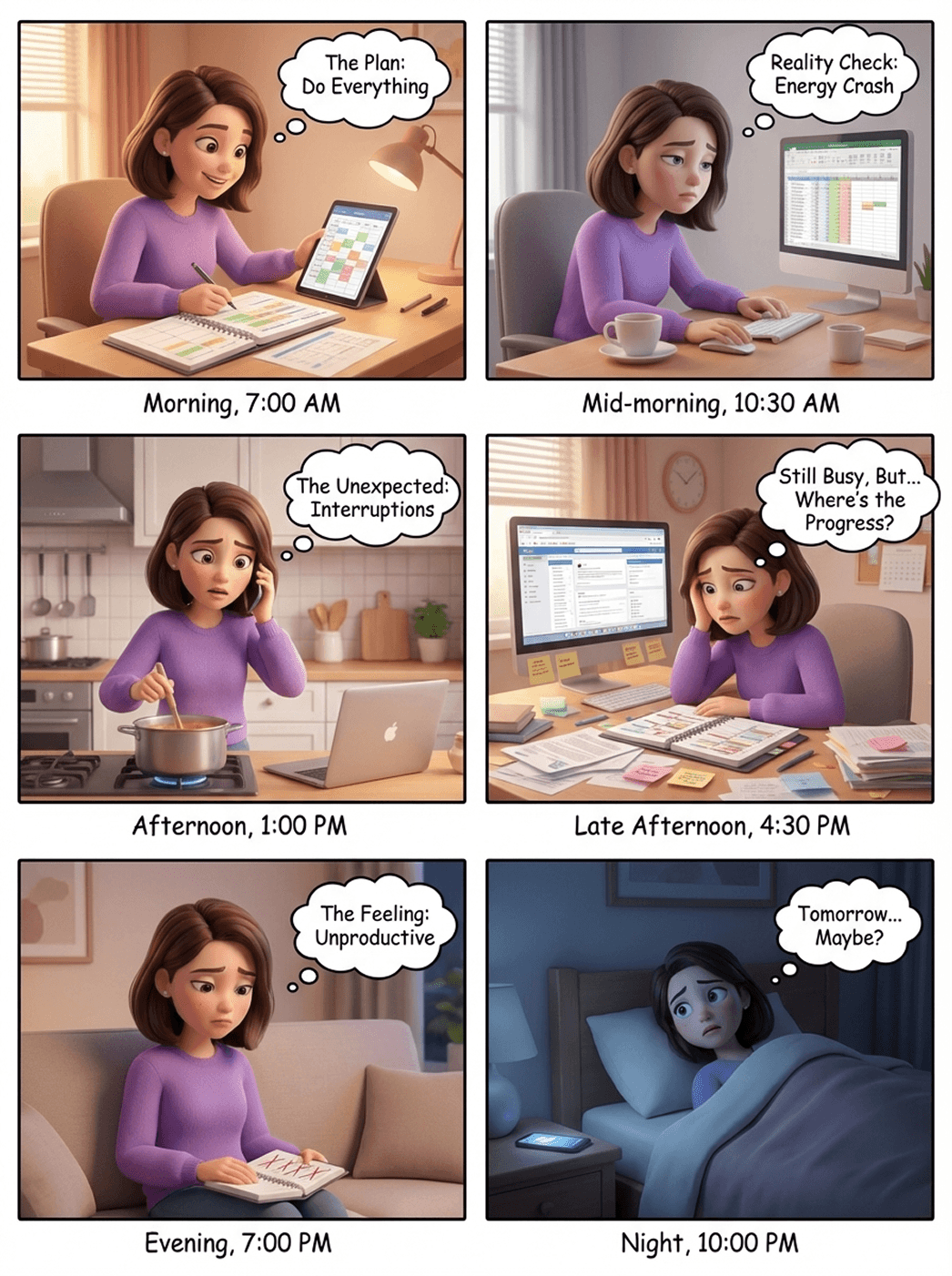
A day that feels productive (but isn’t)
This storyboard illustrates how planning breaks down in real life — not because of lack of effort, but because of invisible work, interruptions, and mismatched energy.
Key observations
Plans are made based on ideal scenarios, not real capacity
A large part of effort remains invisible
Productivity is judged by completed tasks — not actual effort
Designing for real life, not ideal productivity
Focusing on how people actually experience their day, balancing structure with flexibility, and productivity with mental well-being.
Energy & Mood - aware planning
Plans adapt to fluctuating energy & mood levels, not just time blocks.
Invisible work matters
Mental effort, preparation, and small tasks are recognized as real progress.
Life is unpredictable
Plans remain flexible to accommodate interruptions and unexpected changes.
Planning without pressure
Structure supports users without creating stress, guilt, or rigidity.
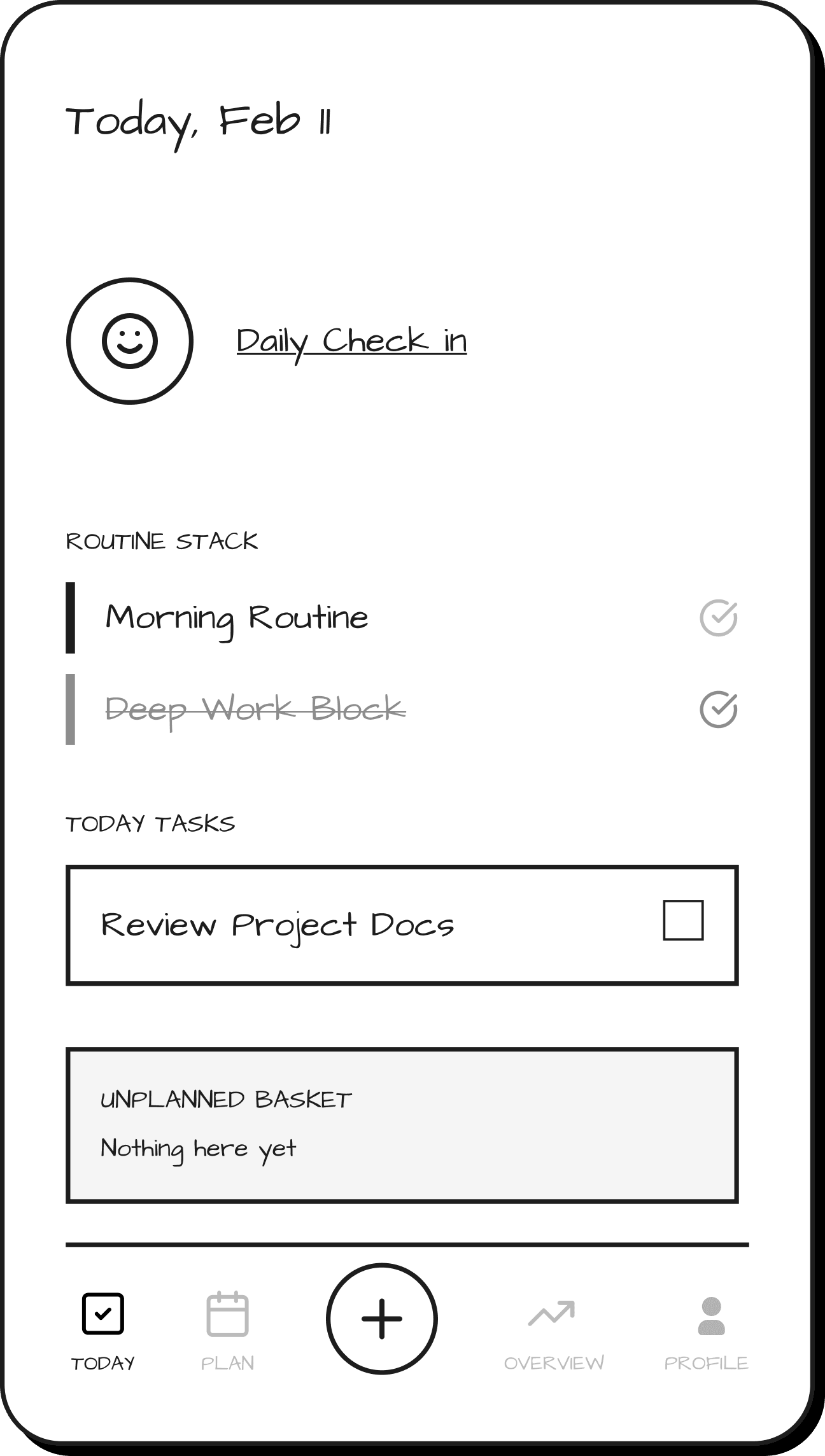
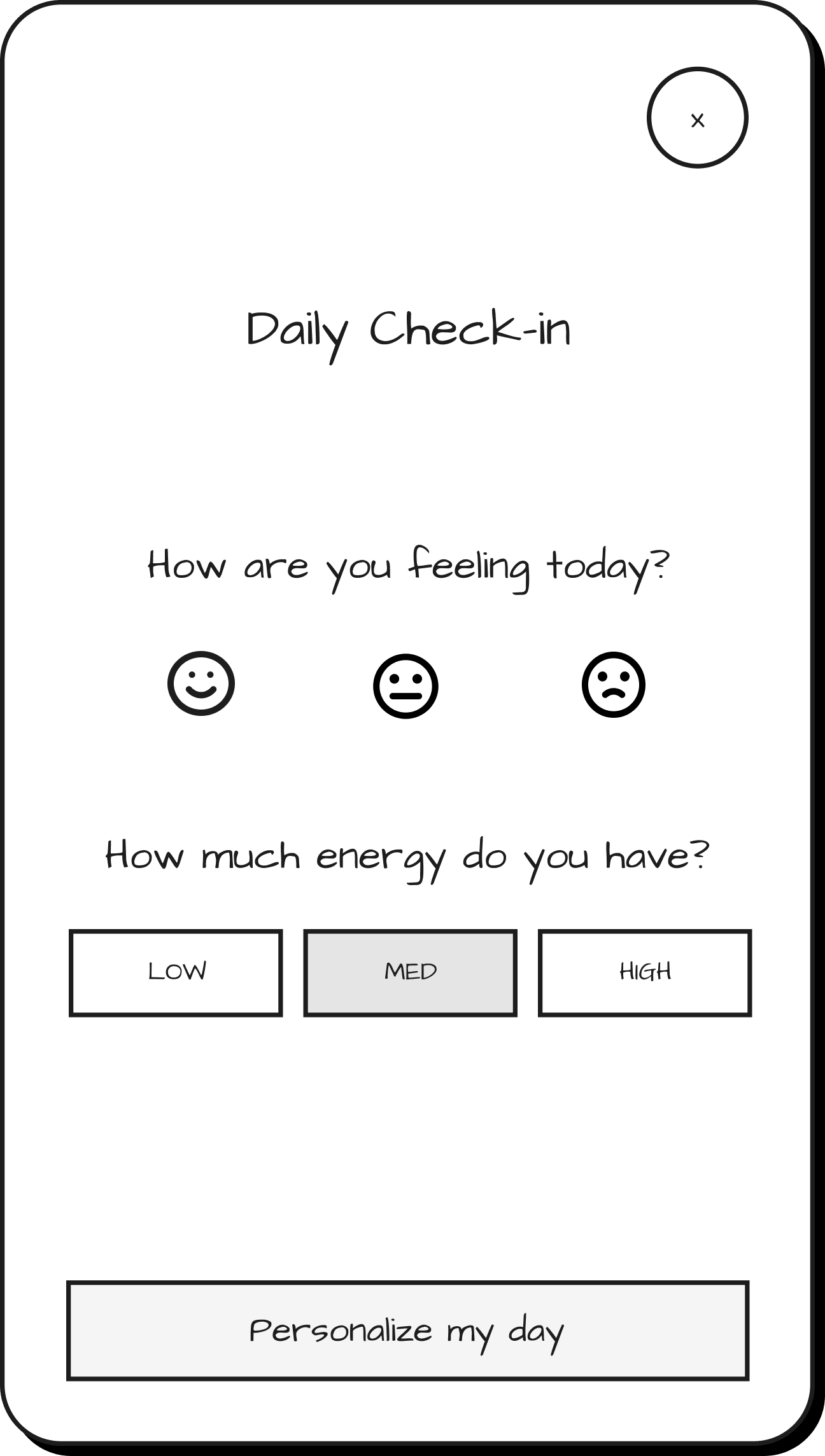
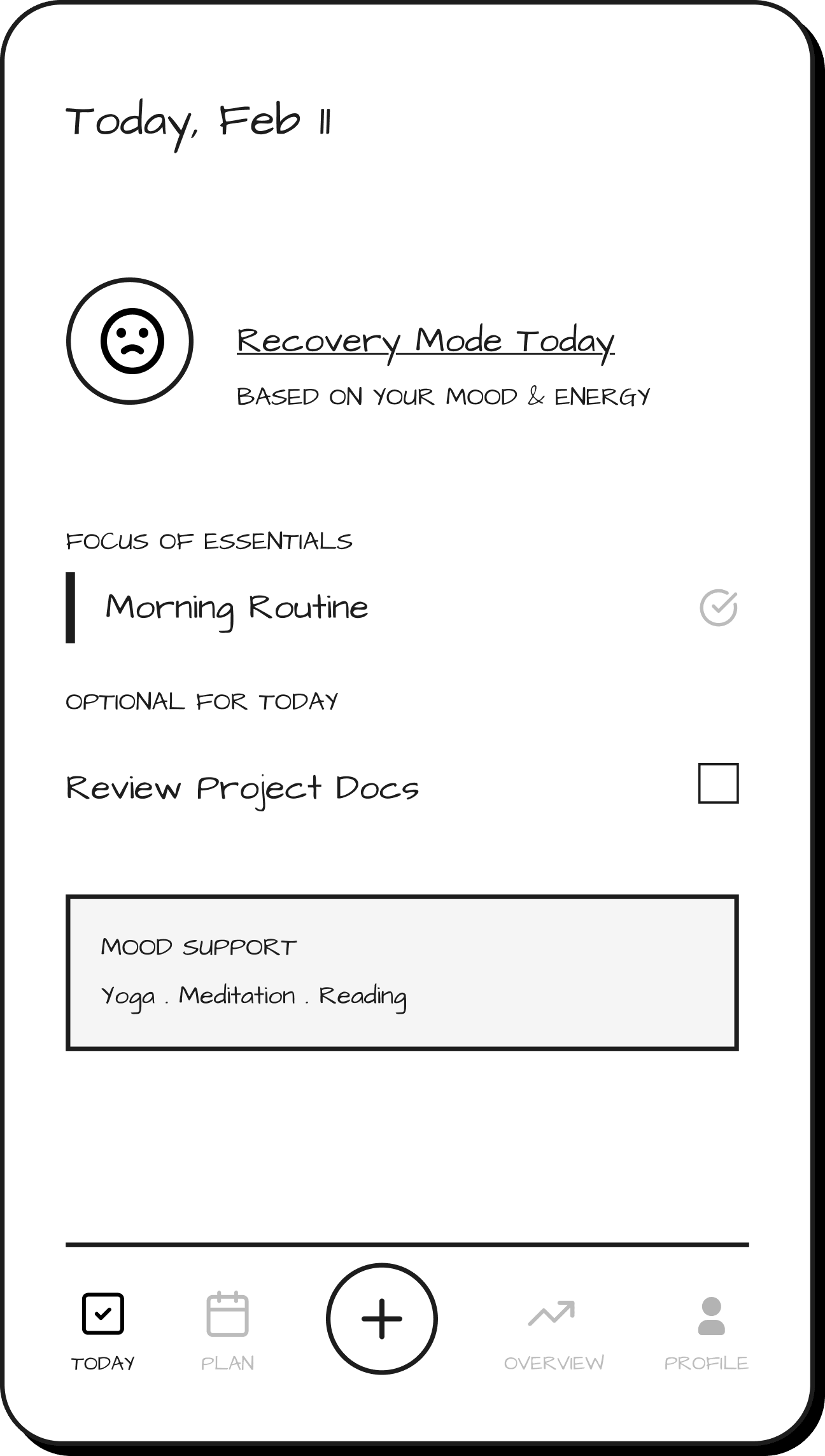
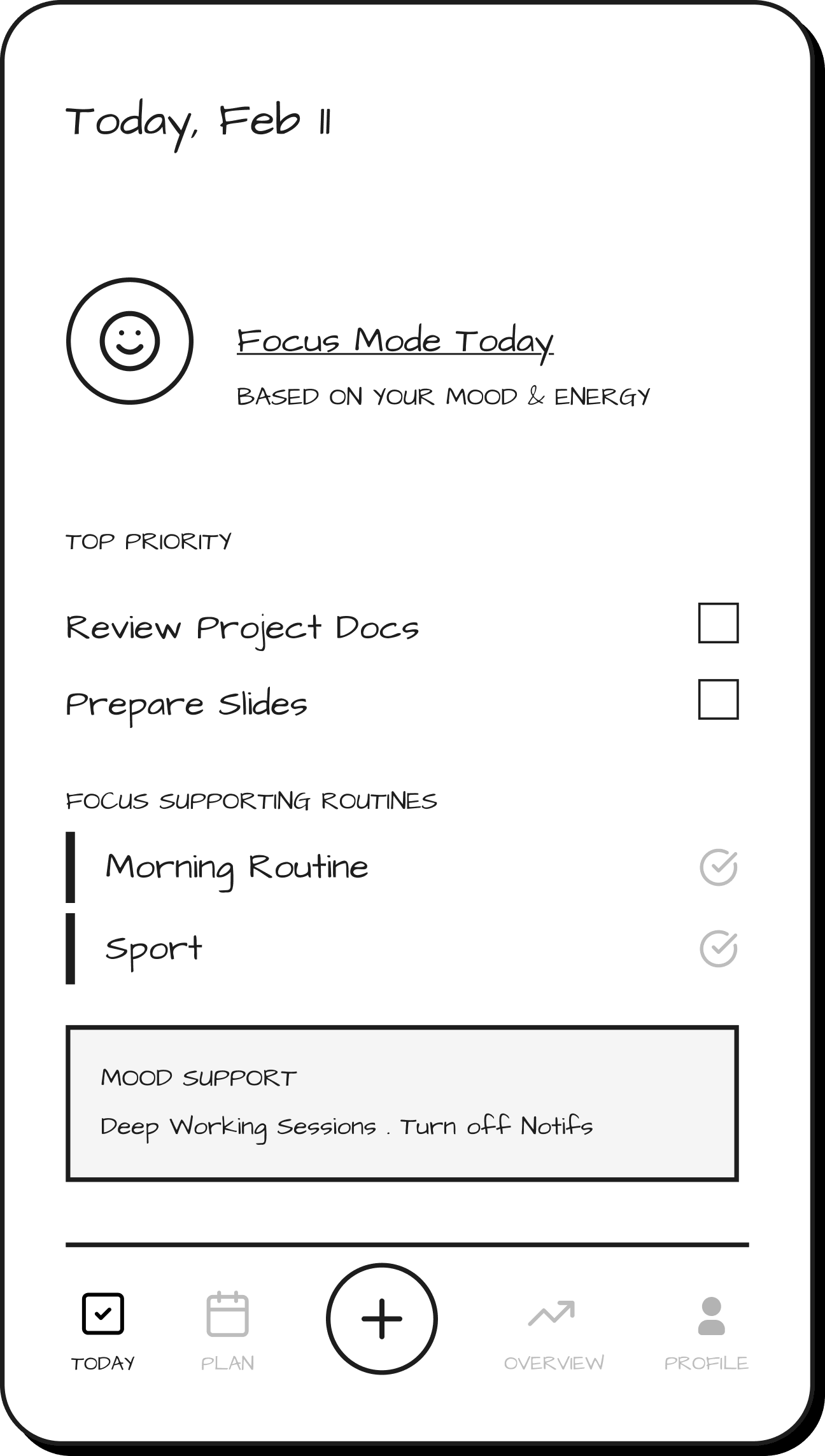
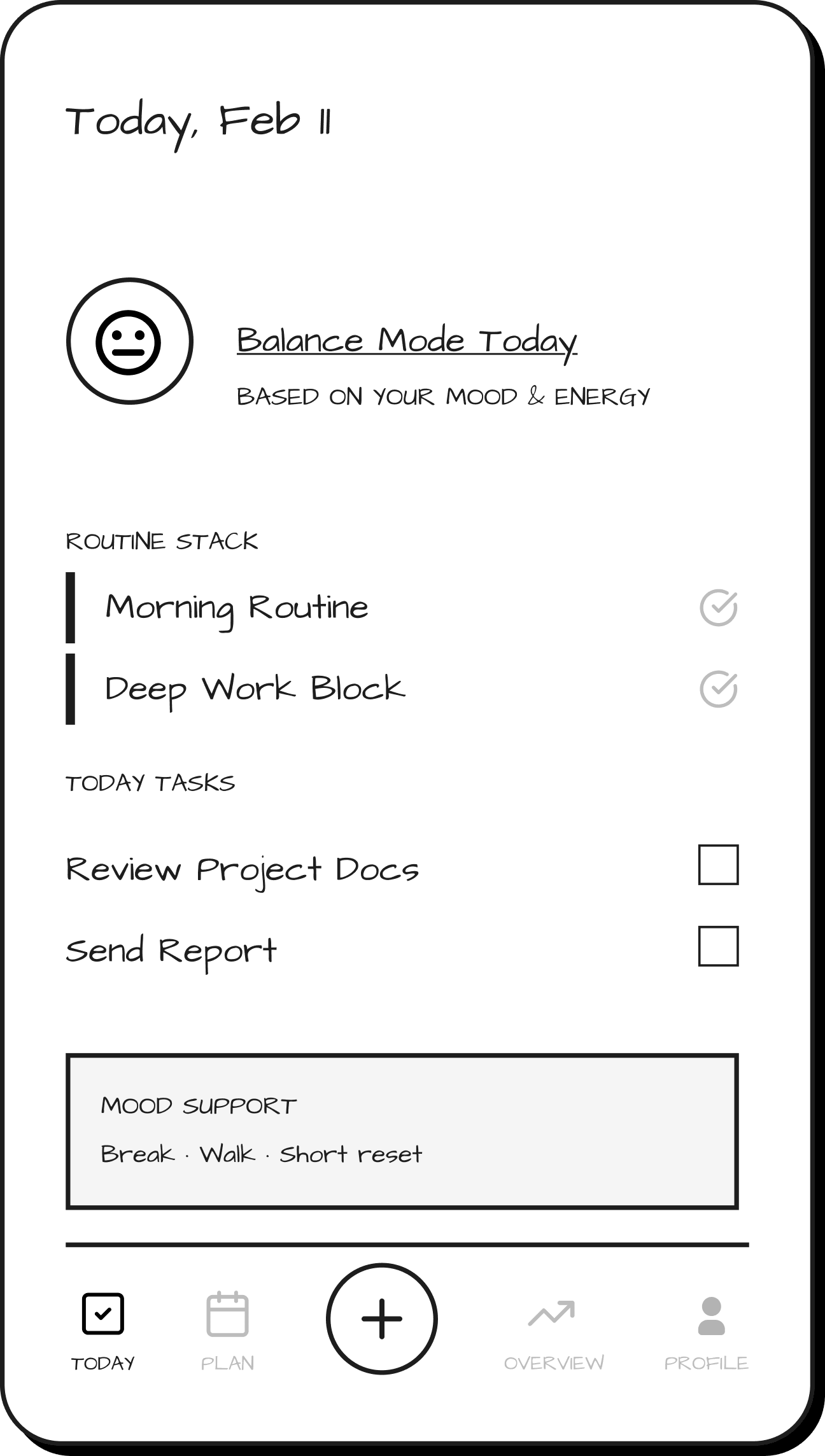
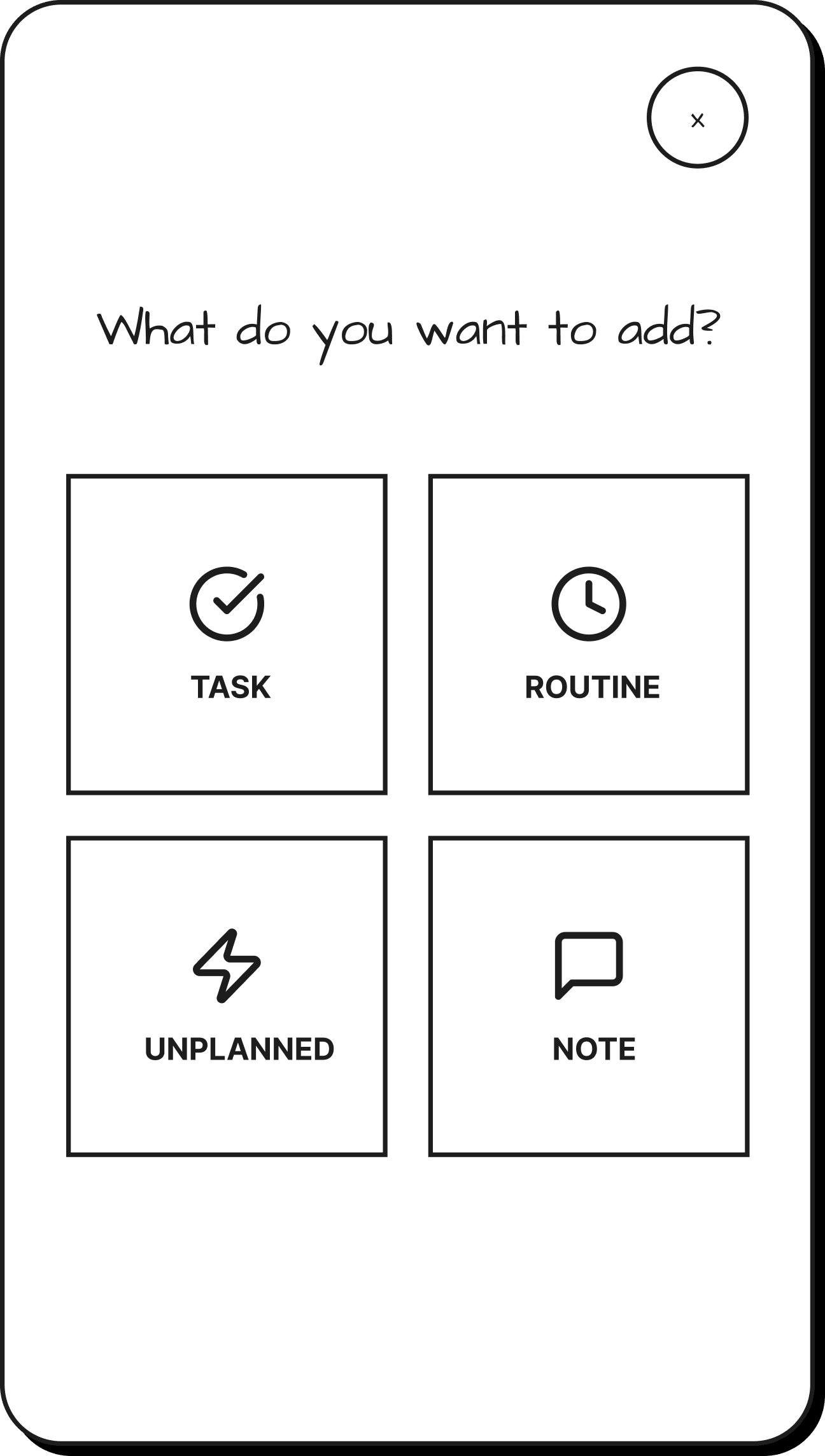
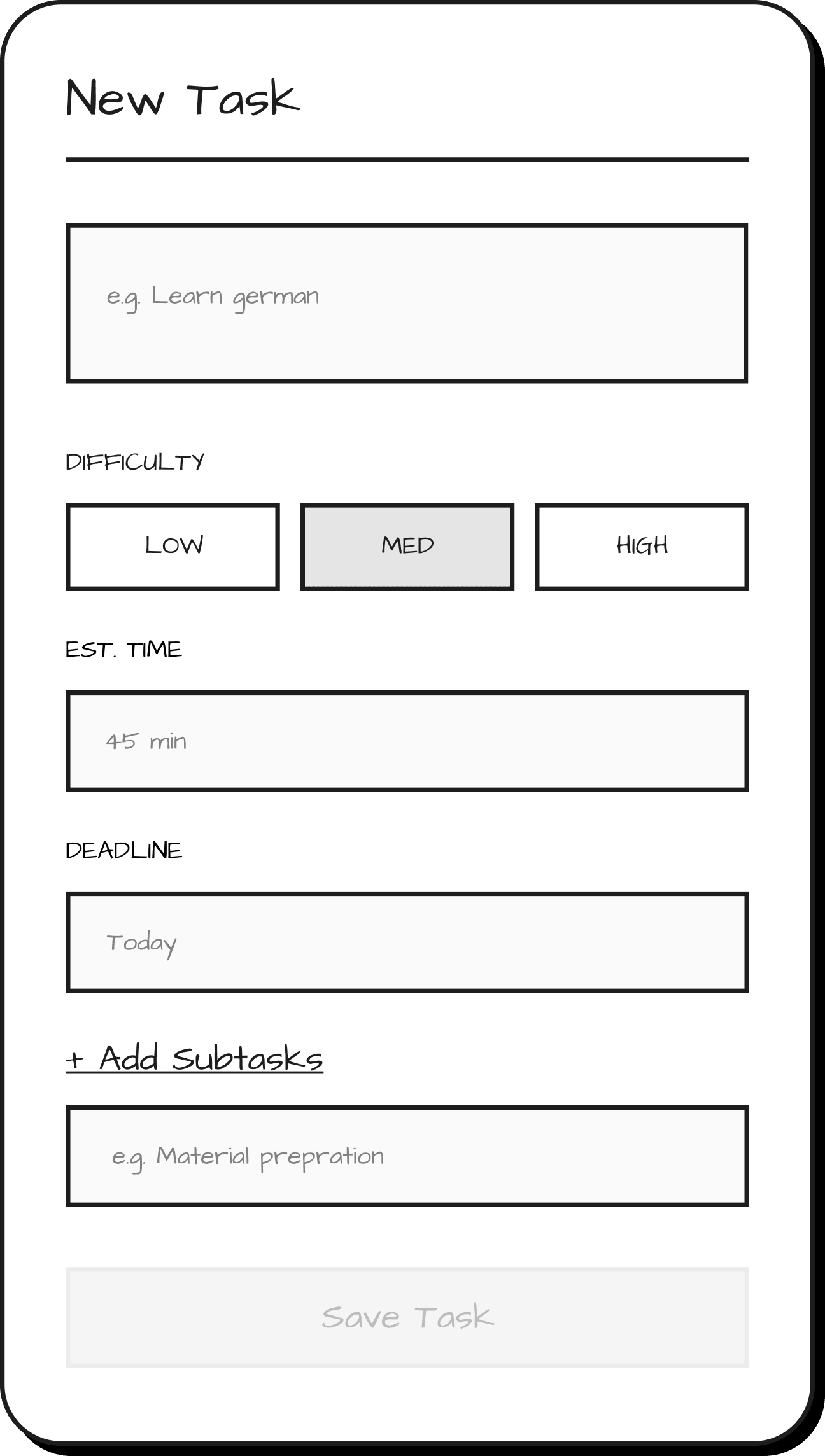
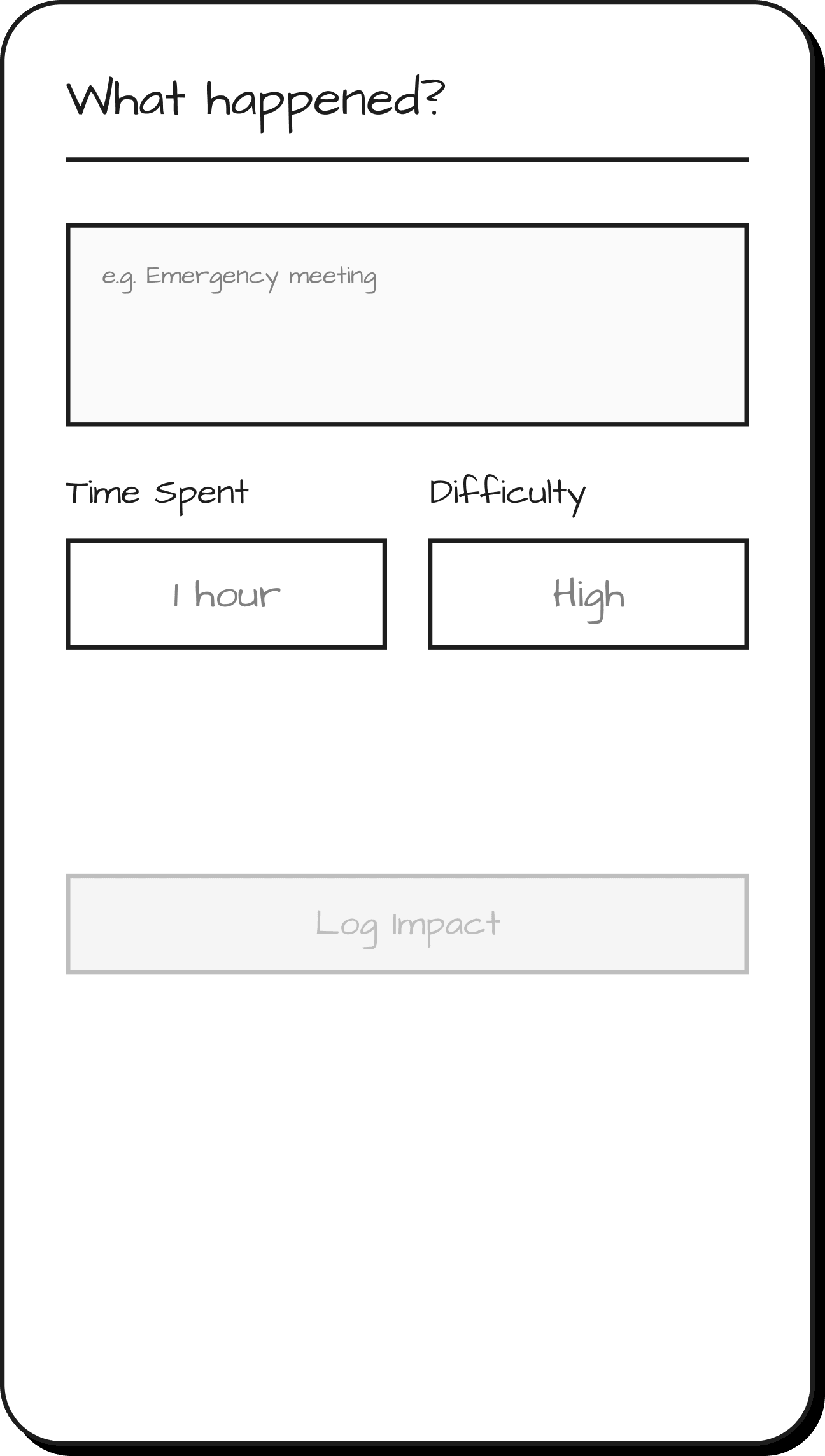
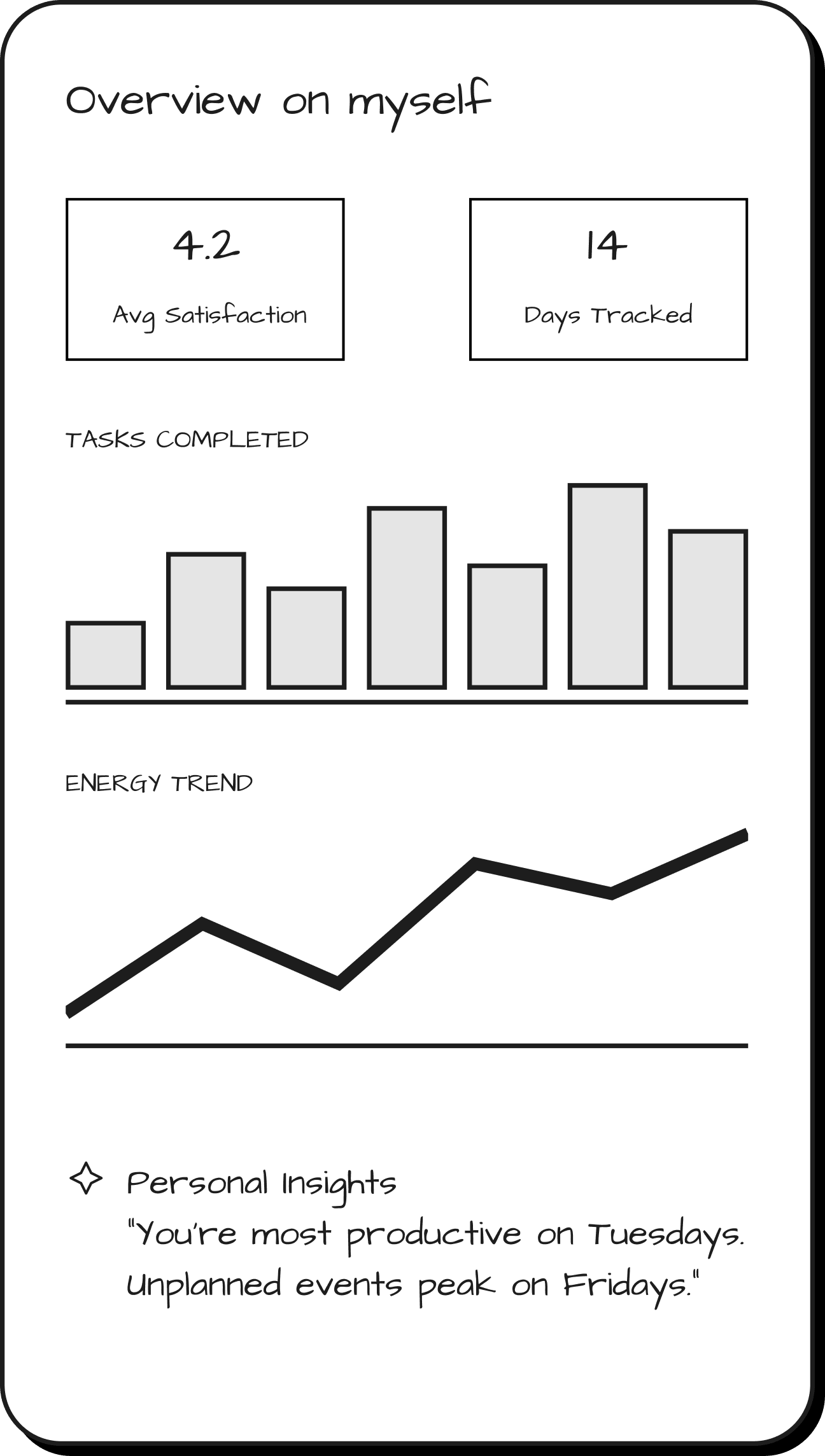
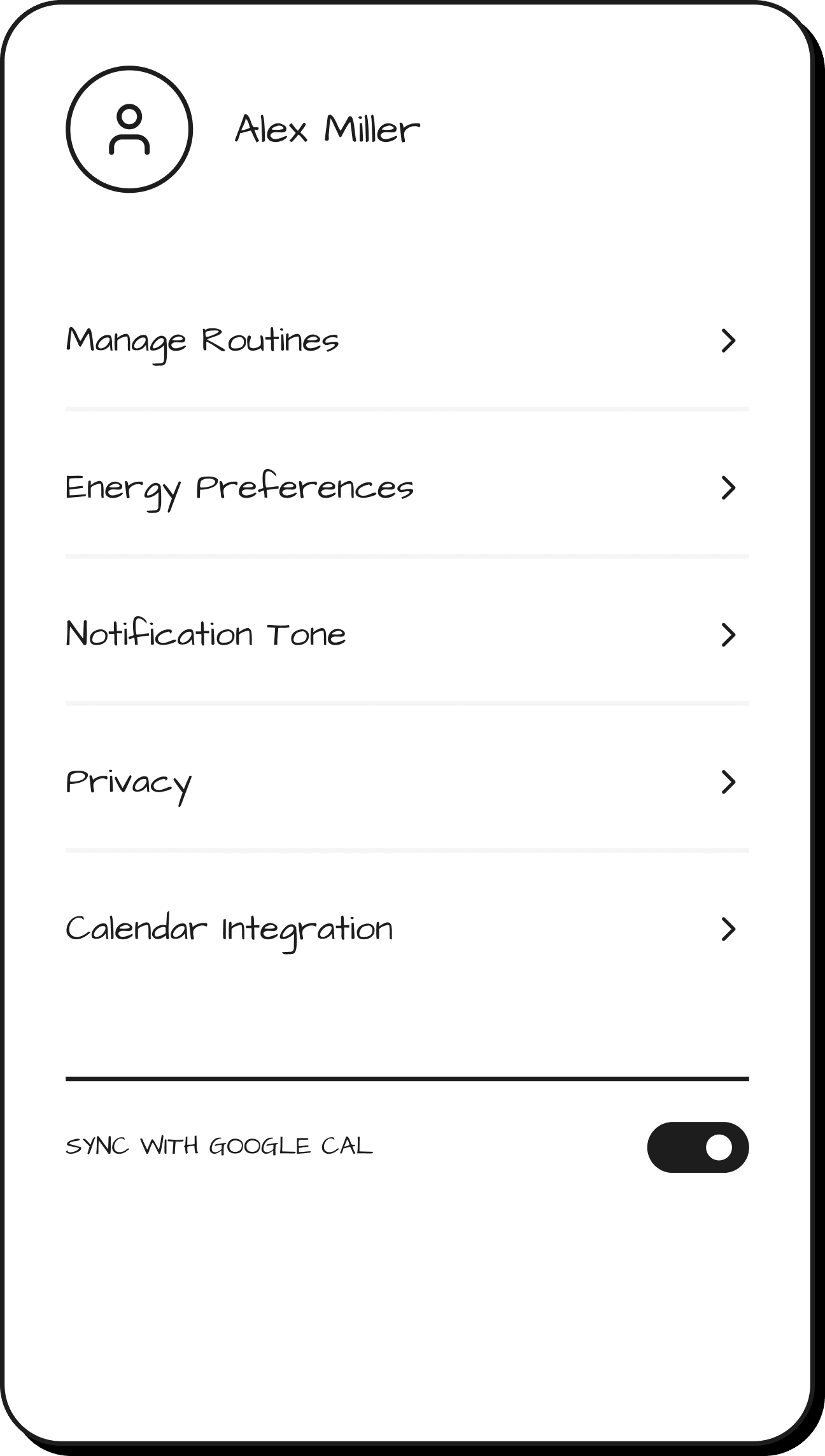
How the experience adapts throughout the day
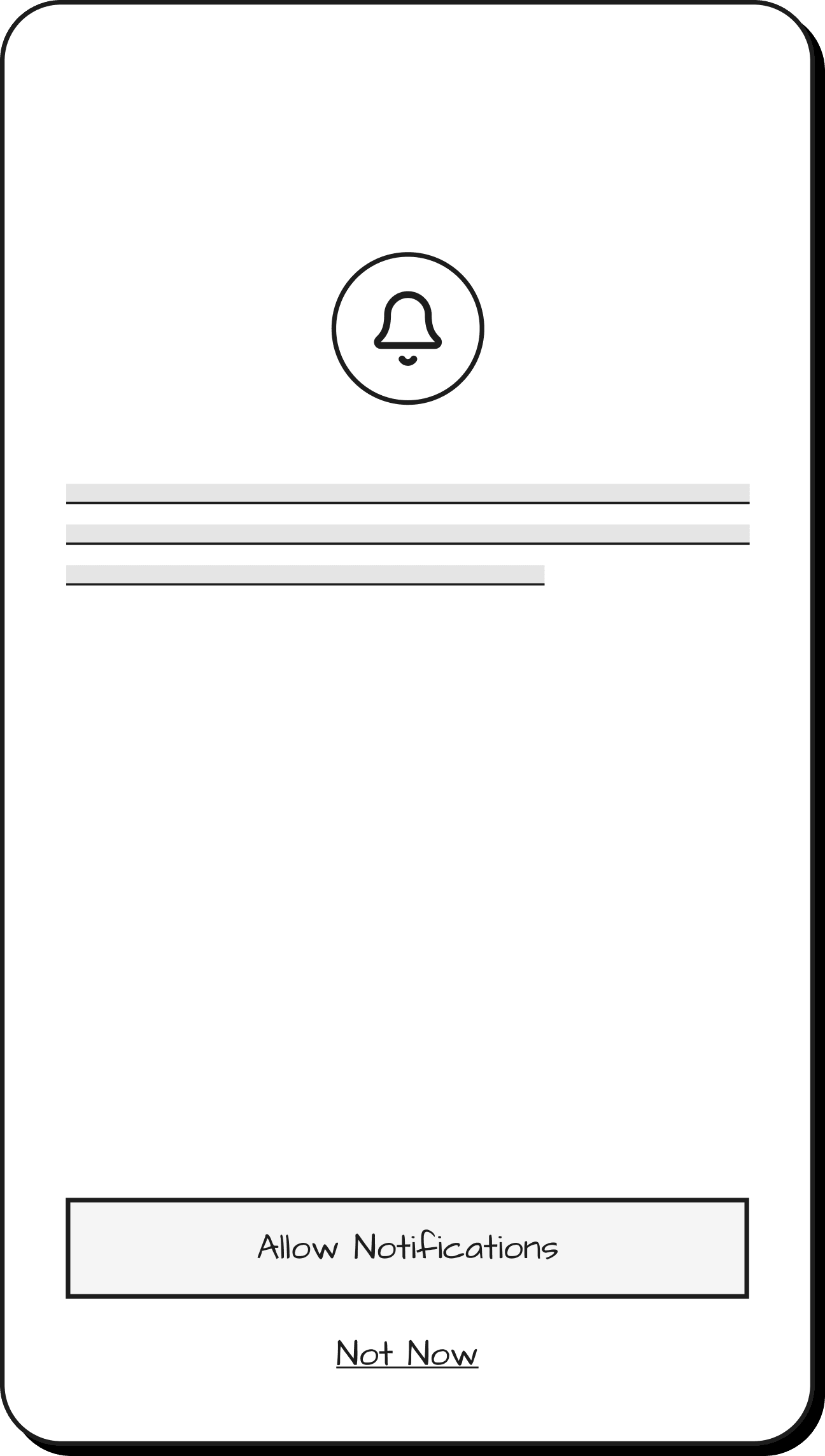
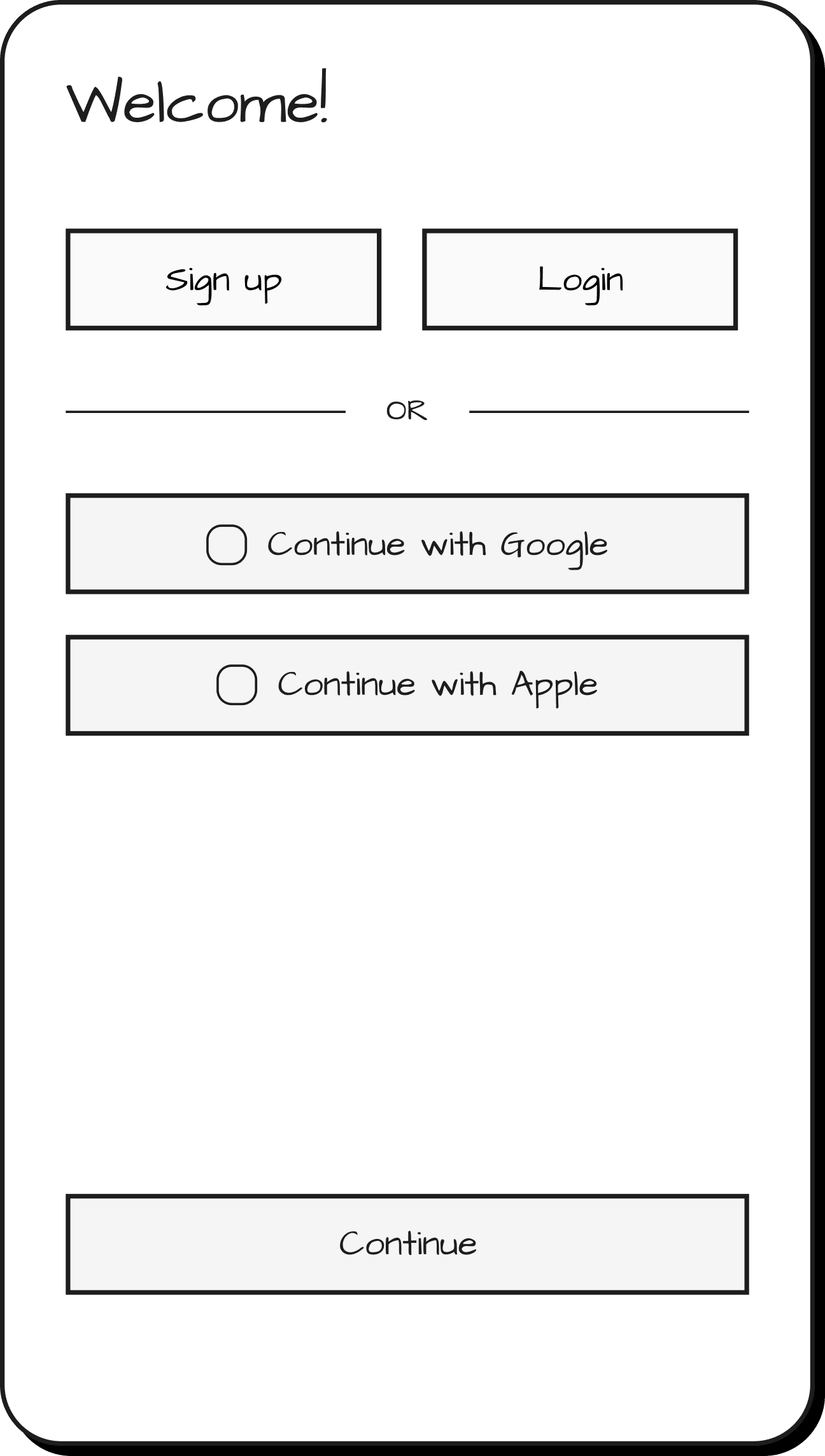
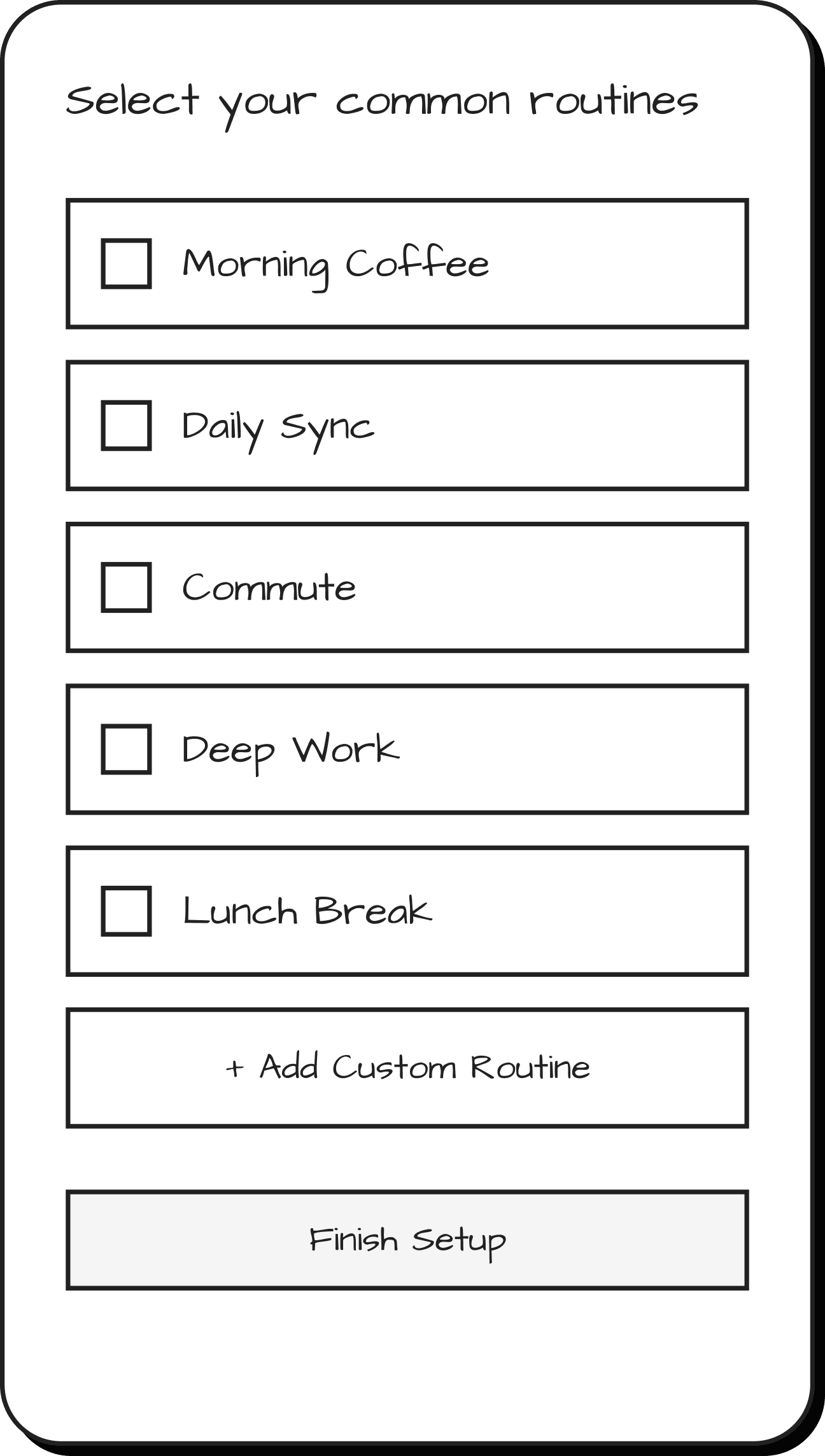
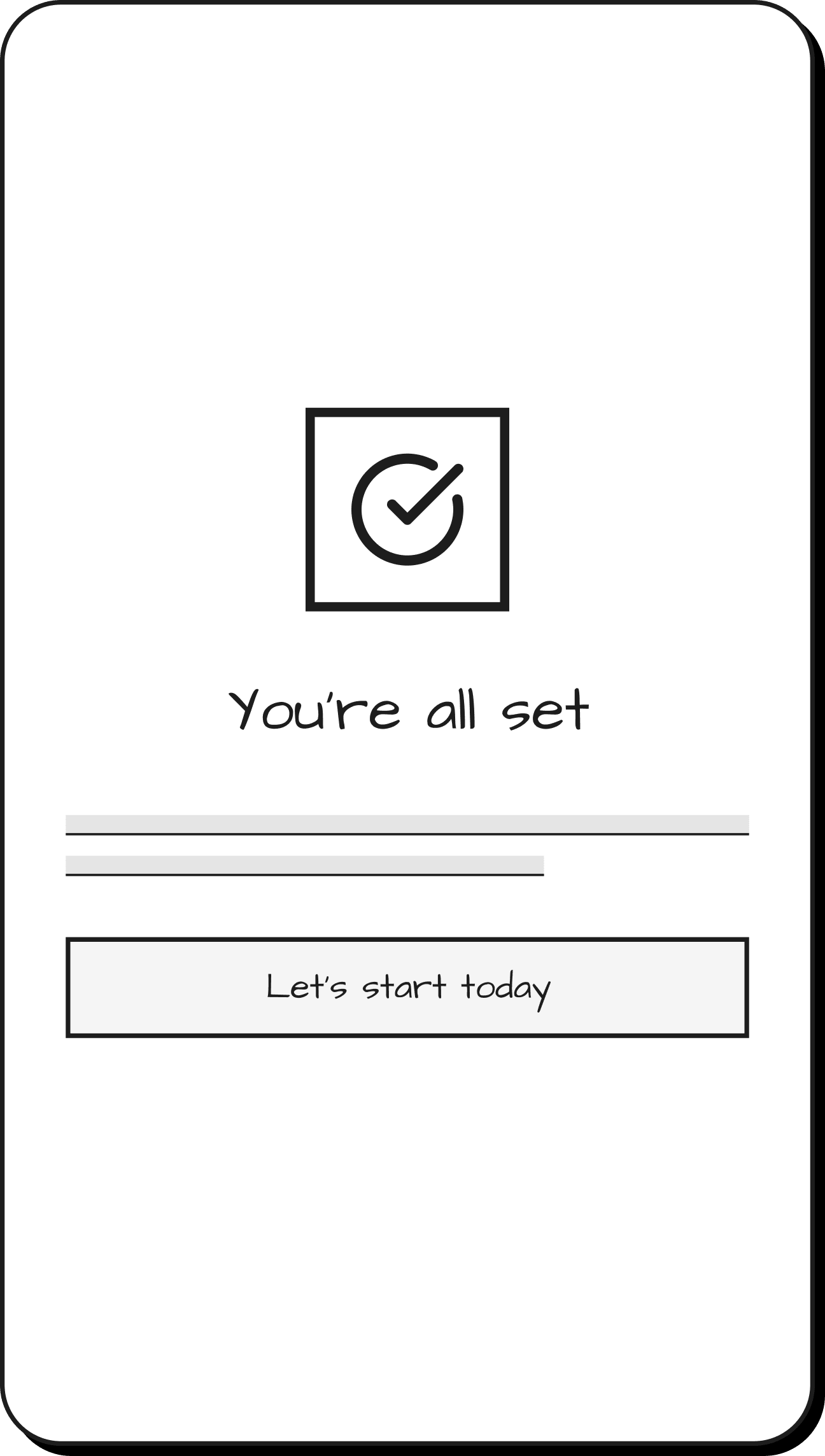
The system translates these principles into a dynamic experience, guiding users through their day by adapting to their energy, context, and changing priorities.
Testing the experience in real scenarios
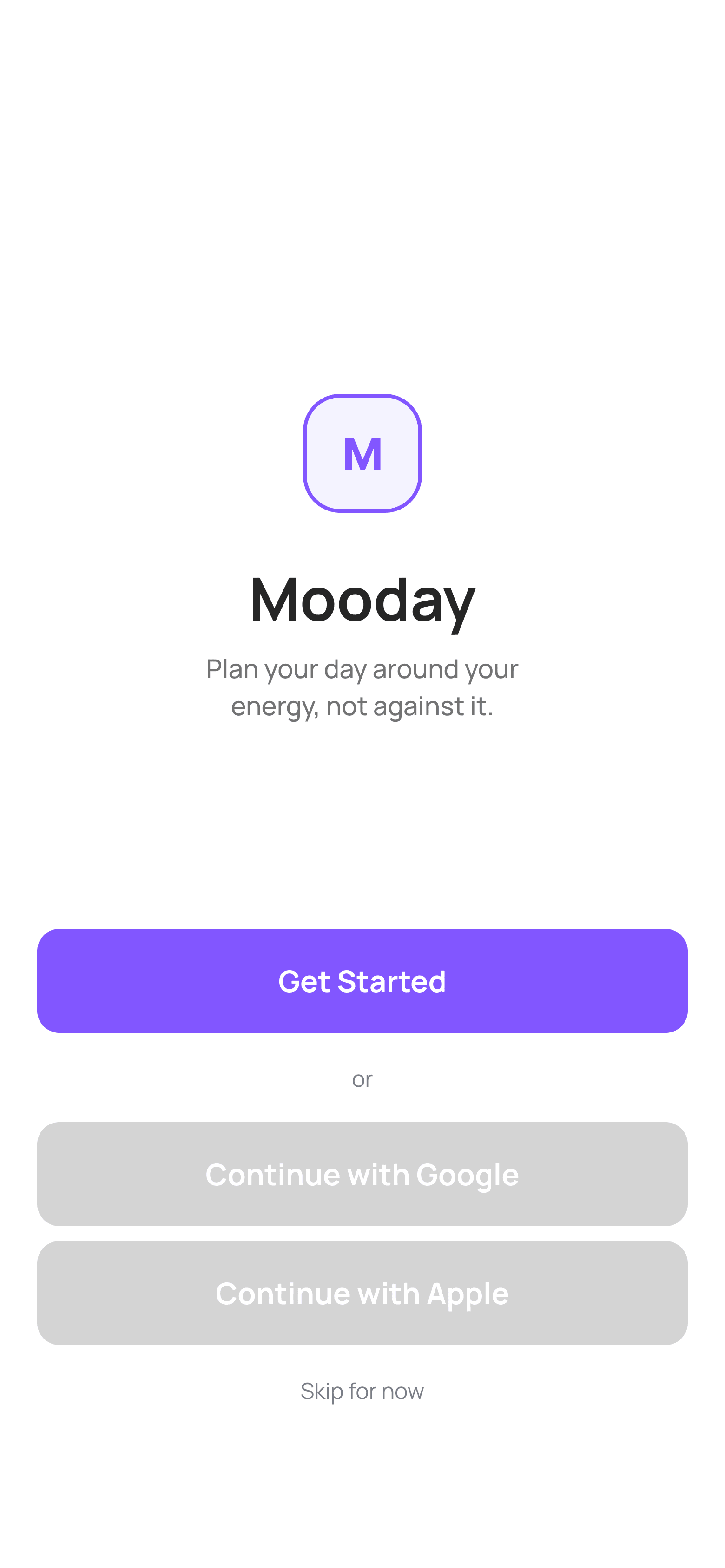
I tested mid-fidelity screens with users to understand whether the flow felt intuitive and whether the structure of the experience supported quick comprehension.
Testing Flow (Mid-Fi)
Participants
4 participants from the target user group
Scenario
Users were asked to open Mooday and plan a typical day using the app.
Tasks
- Onboarding
- Daily check-in
- Explore Today
- Understand modes & energy logic
Test Focus
The test evaluated how well users understand mood-based planning and the logic behind modes and task organization.
Rethinking the experience through user insights
Usability testing revealed gaps between the intended experience and how users actually understood and interacted with the system. These insights led to key design decisions that reshaped both the structure and logic of the product.
💡 Insight
Users needed guidance to understand how their day is built.
🎨 Design Decision
Replaced abstract onboarding questions with a guided Day Setup Flow that makes the system logic visible.
💡 Insight
Users struggled to understand modes and the role of mood vs energy.
🎨 Design Decision
Clarified the system by separating mood (support) from energy (structure) and making modes visibly reshape the day.
💡 Insight
Even on low-energy days, users still focus on essential tasks and routines.
🎨 Design Decision
Introduced priority-based structuring where essential tasks stay central and others become optional.
Preparing the system for the final experience
Measuring meaningful engagement
Success is measured not just by completion, but by how well the system supports users in navigating their day.
Daily Check-in Completion
Indicates whether users engage with understanding their current state.

Day Setup Completion
Shows if users can successfully translate intention into a structured day.
Interaction with the adaptive plan
Reflects how users engage with and adjust their day throughout real-life changes.
What I learned
Designing this system highlighted how complex decision-making in daily planning really is, especially when shaped by mood, energy, and personal expectations.
One of the most valuable learnings was developing the logic behind adaptive recommendations. The three modes were not just interface variations, but the result of exploring how people often plan beyond their real capacity, leading to stress and burnout.
Through a combination of quantitative research, interviews, and usability testing, my initial assumptions continuously evolved.
Each iteration revealed new gaps between intention and reality, pushing the system to become more grounded in actual user behavior.
This process reshaped my perspective on planning design, from building structured systems to creating experiences that adapt to how people truly live and make decisions.